Create issue
Send a redacted report to GitHub, GitLab, Bitbucket, Jira, Linear or Slack as a new issue, from an issue or from the board.
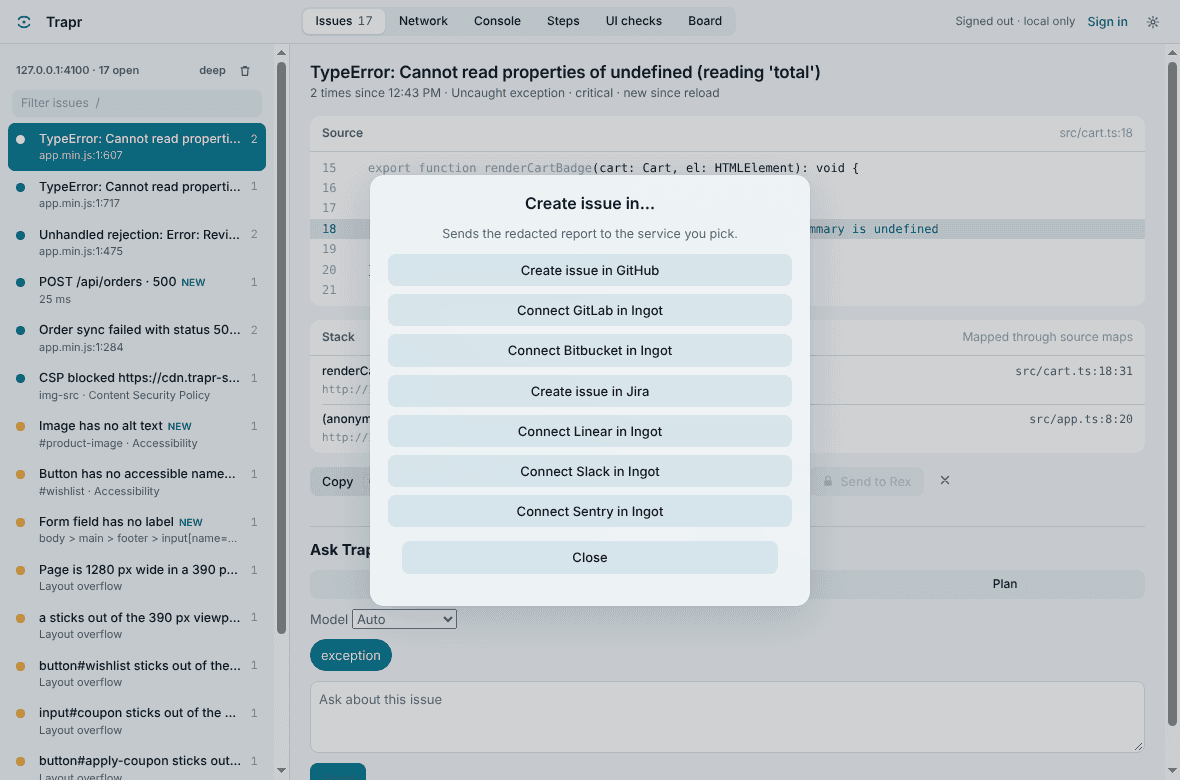
- Open an issue in the Trapr window and choose Create issue, or use the same action on a board row.
- Pick a connected service.
- When it finishes, Trapr shows the link to the new issue.
Sentry gets a link to an existing Sentry issue instead. Only the redacted report goes out, as Markdown.
If it does not send
- A missing target: Trapr says which field to fill in under Settings › Connections.
- Not connected: connect the service in Ingot first.
- A credential still in the report: nothing is sent.
- Signed out: sign in to Ingot to create issues.